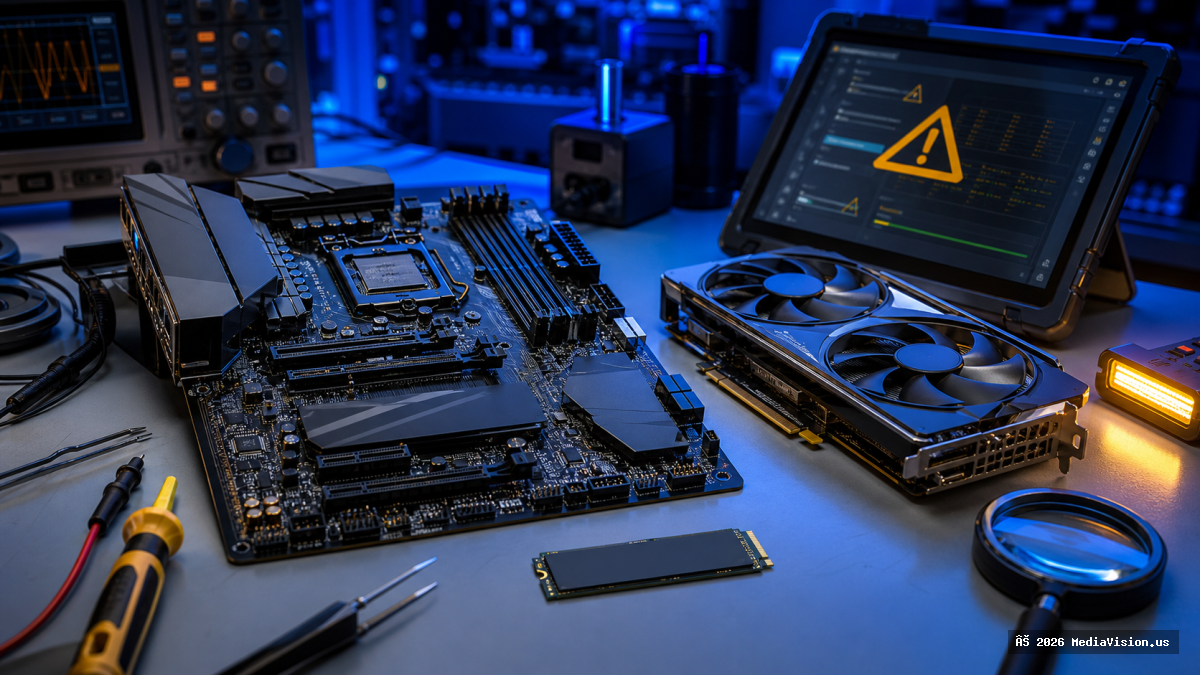
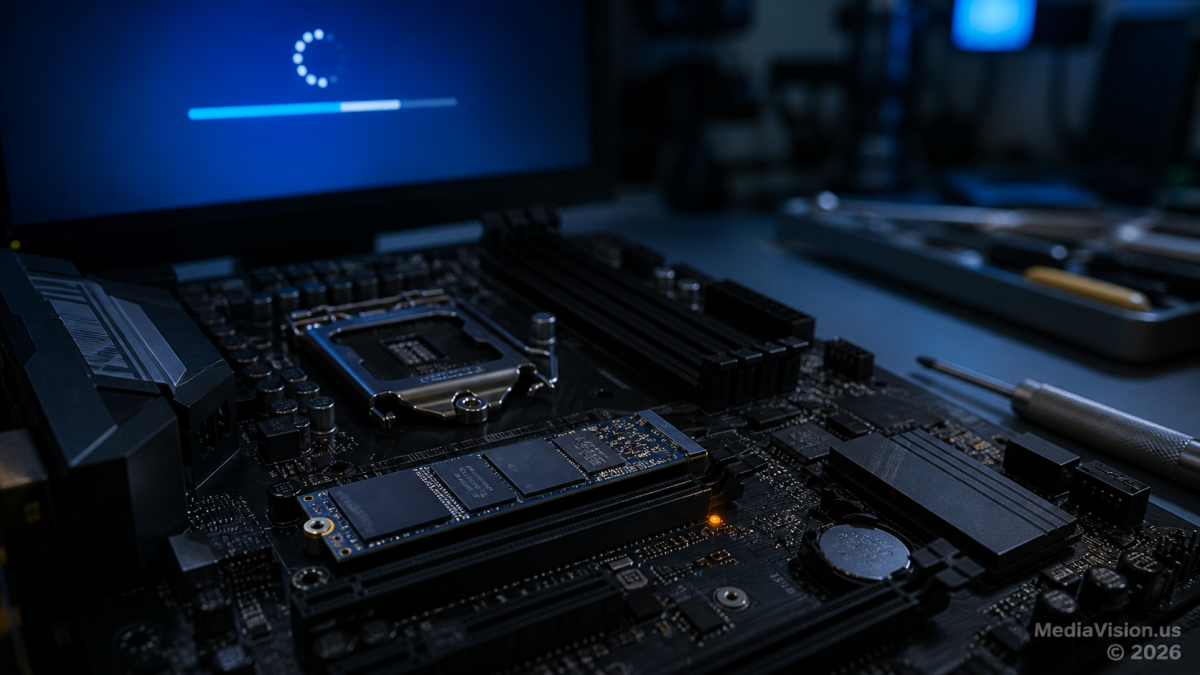
Reports published in August 2025 raised concerns that Windows 11 version 24H2 update KB5063878 could make some SSDs disappear, become inaccessible, or appear as RAW during large write operations. The reports deserved investigation—but they did not prove that Windows physically damaged M.2 drives.
Microsoft subsequently said that, after investigating, it found no connection between the August 2025 security update and the drive failures described on social media. SSD controller maker Phison also reported that it could not reproduce the reported failures after extensive testing.
For Windows 11 users, the practical lesson is straightforward: keep verified backups, maintain SSD firmware, and diagnose any disappearing drive carefully instead of assuming that one update destroyed it.
What Is Confirmed
- Microsoft released KB5063878 for Windows 11 version 24H2 on August 12, 2025. The update brought OS Build 26100.4946 and included security and quality fixes.
- After its release, some users reported SSDs or partitions disappearing, becoming inaccessible, or appearing as RAW. Several reports mentioned sustained, high-volume write activity shortly before the failure.
- Microsoft and storage vendors investigated the reports.
- Microsoft’s official KB5063878 known-issues page lists several confirmed issues, but SSD corruption or physical SSD damage is not listed as a confirmed known issue.
- Microsoft later stated that its investigation found no connection between the update and the reported SSD or HDD failures.
What Is Still Unconfirmed
- There is no demonstrated mechanism showing that KB5063878 physically damaged M.2 NAND flash, an SSD controller, or a motherboard slot.
- Social-media reports cannot by themselves separate an operating-system issue from SSD firmware defects, controller instability, overheating, power loss, file-system corruption, or a drive that was already failing.
- A drive disappearing from File Explorer does not necessarily mean it has been physically destroyed. The failure could occur at the file-system, driver, firmware, controller, power, or hardware level.
- Lists of supposedly affected SSD models circulated online, but they should not be treated as an official compatibility or recall list.
MediaVision Technical Analysis
The timing of a failure after an update is relevant evidence, but timing alone does not establish causation. A large game installation, update, backup, or file transfer can expose a marginal SSD because it produces sustained writes, higher controller temperature, garbage collection, and increased power demand.
That means two events can occur together without the Windows update being the underlying hardware cause. It also means a genuine software or firmware interaction cannot be ruled out for an individual system without logs, health data, firmware details, and repeatable testing.
The responsible conclusion is narrower than many viral headlines: real users reported storage failures after installing KB5063878, but Microsoft and Phison did not establish that the Windows update caused widespread M.2 SSD damage.
What Windows 11 Owners Should Do
- Maintain current backups. Keep at least one copy disconnected from the PC or in a reputable cloud service. Use a second copy for irreplaceable files.
- Update SSD firmware carefully. Use only the PC or SSD manufacturer’s official support page and verify the exact model.
- Keep security updates current. Do not permanently disable Windows updates based only on an unverified social-media list.
- Monitor health and temperature. Use the manufacturer’s utility or a trusted SMART-monitoring tool, while remembering that SMART cannot guarantee a drive will not fail.
- Leave free space. Avoid filling an SSD completely so its controller can manage writes, wear leveling, and background maintenance.
- Stop unnecessary writes if the drive disappears. Shut the system down safely, check whether UEFI or BIOS detects the drive, and seek professional diagnosis.
- Do not initialize or format a RAW drive when data matters. Those steps can reduce recovery options.
When to Contact MediaVision
Professional diagnosis is recommended if an SSD disappears intermittently, the system freezes during transfers, Windows reports a RAW partition, the drive vanishes from UEFI or BIOS, or important files are no longer accessible. MediaVision can inspect drive health, firmware, thermals, motherboard detection, power stability, and data-recovery options before destructive steps are taken.
Bottom Line
The reports surrounding KB5063878 were worth taking seriously, but “Windows 11 destroys M.2 SSDs” is not supported by the final evidence. Treat any storage failure as a data-protection emergency, preserve the original drive, and diagnose the complete storage path before deciding what caused it.
Frequently Asked Questions
Did Windows 11 KB5063878 physically destroy M.2 SSDs?
There is no confirmed evidence that it did. Users reported failures after the update, but Microsoft said its investigation found no connection, and Phison was unable to reproduce the reported problem in testing.
Is every Phison-based SSD affected?
No. There is no official finding that every SSD using a Phison controller is affected, and online model lists should not be treated as recall notices.
Should I uninstall or disable Windows updates?
Not as a general response. Security updates protect against real vulnerabilities. Keep backups, update SSD firmware from official sources, and follow model-specific manufacturer advisories.
What should I do if my SSD disappears or becomes RAW?
Stop writing to the drive. Do not initialize or format it if the data matters. Shut down safely, check whether UEFI or BIOS detects it, and obtain professional diagnosis or data-recovery assistance.