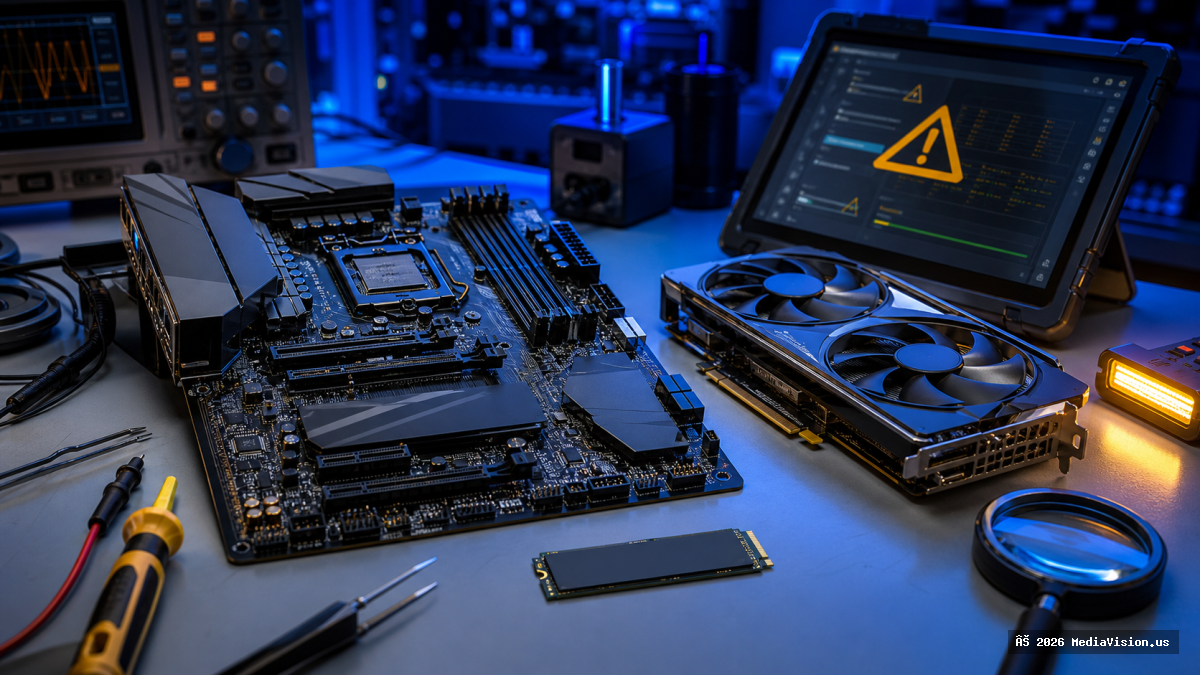
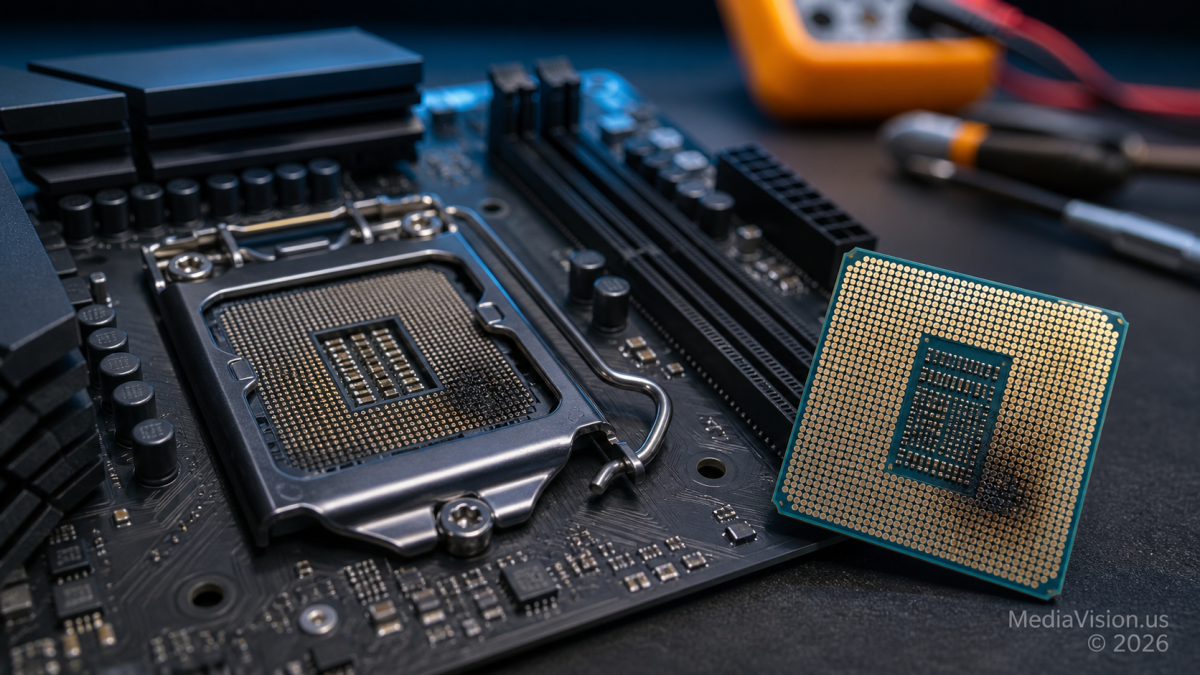
A newly reported Ryzen 7 7800X3D failure has attracted attention after a system owner posted photographs showing visible heat damage and swelling on the processor, along with damage to the AM5 motherboard socket. The system reportedly ran for about three months before shutting down while gaming and then entering a power-cycle loop.
The case is serious, but it remains a single user report—not proof that a widespread Ryzen 7000X3D defect has returned. No official laboratory analysis has established whether the initiating fault came from the CPU, motherboard, firmware, socket contact, power supply, cooling, or another component.
What Is Confirmed
- The Reddit post identifies the processor as a Ryzen 7 7800X3D and the motherboard as an MSI PRO X870-P WIFI.
- The owner reported that the PC had been operating for approximately three months before abruptly shutting down during gaming.
- Photographs posted with the report show visible damage to the processor contact area and the motherboard socket.
- The owner said there was no manual CPU overclocking, undervolting, or tuning. AMD EXPO was enabled for the DDR5 memory.
- The owner later stated that the motherboard BIOS was fully updated to the latest version available at the time.
- The reported system also used a Lexar DDR5-6000 CL38 memory module, MSI Ventus RTX 4070 graphics card, Samsung 990 Pro SSD, MSI A750GL PCIe 5 power supply, and MSI MAG 360 mm liquid cooler.
What Is Still Unconfirmed
- No official inspection has identified the component that initiated the failure.
- The report does not prove that EXPO, SoC voltage, the CPU, motherboard, socket pins, power supply, or cooler caused the damage.
- A current BIOS reduces known historical risks, but the version number and configuration were not independently verified by MediaVision.
- One failure report cannot establish a failure rate or show that all Ryzen 7 7800X3D processors or AM5 motherboards are unsafe.
- The processor was opened after the failure, which may complicate a later manufacturer analysis or warranty claim.
Why the 2023 AM5 Voltage Issue Matters
In 2023, reports of damaged Ryzen 7000X3D processors led AMD and motherboard manufacturers to issue firmware changes. AMD said a new AGESA release added safeguards on AM5 power rails, including a 1.30-volt cap for SoC voltage. AMD also recommended that owners install the latest BIOS supplied by their motherboard manufacturer.
That history makes voltage an understandable question in a new failure report. It does not, however, prove that the same mechanism caused this incident. A conclusive diagnosis would require the exact BIOS version and settings, voltage telemetry, examination of the socket and processor, power-supply testing, and ideally analysis by AMD and MSI.
MediaVision Technical Analysis
Visible burn damage tells us where excessive heat was concentrated, but not necessarily where the failure began. Poor electrical contact, a damaged or misaligned socket contact, contamination, abnormal voltage, a board power-delivery fault, or an internal processor failure can produce overlapping symptoms.
EXPO is relevant because it changes the memory operating profile and can influence platform voltages selected by firmware. Still, enabling a supported memory profile is not evidence of user abuse, and it should not be presented as the confirmed cause of this case.
The strongest conclusion currently supported by the evidence is that a specific 7800X3D-based system experienced catastrophic CPU and socket damage despite the owner reporting an updated BIOS and no manual CPU tuning. The root cause remains undetermined.
What AM5 Owners Should Do
- Update the motherboard BIOS. Download the correct stable release only from the motherboard manufacturer’s official support page and follow its instructions carefully.
- Load optimized defaults after updating. Reapply EXPO or other settings only after confirming that the system is stable.
- Monitor rather than guess. Use a reputable hardware-monitoring utility to observe temperatures and SoC voltage. Do not change advanced voltage settings unless you understand the board’s controls and the CPU manufacturer’s limits.
- Inspect new builds carefully. Before installing the CPU, check the AM5 socket for bent contacts, debris, thermal compound, or foreign material. Use the correct cooler mounting hardware and tightening pattern.
- Watch for warning signs. Unexpected shutdowns, repeated boot cycling, a burning smell, or sudden instability should be treated seriously. Turn off and unplug the system instead of repeatedly attempting to boot.
- Preserve warranty options. Photograph the damage and record component serial numbers and BIOS details. Contact the CPU, motherboard, and system vendor before opening or modifying failed parts.
Should You Stop Using a Ryzen 7 7800X3D?
This individual report is not enough to recommend replacing every functioning 7800X3D. Owners should keep firmware current, maintain backups, monitor the system, and use warranty support if abnormal behavior appears. A working system with stable temperatures and no signs of socket or power trouble should not be assumed defective because of one online report.
Bottom Line
The reported damage is real enough to justify careful investigation, but the cause is not yet known. MediaVision will update this article if AMD, MSI, or another involved party publishes a technical finding.
Frequently Asked Questions
Did EXPO cause this Ryzen 7 7800X3D failure?
That has not been established. EXPO was enabled, but no official analysis has linked it to the initiating fault in this system.
Does an updated BIOS guarantee an AM5 processor cannot fail?
No. BIOS updates address known firmware issues and reduce risk, but no update can guarantee that every CPU, motherboard, socket, or power component will never fail.
Should AM5 owners manually set SoC voltage?
Most owners should use a current stable BIOS and manufacturer-supported settings. Manual voltage changes can create instability or damage when performed incorrectly. Advanced tuning should be handled by an experienced technician.
What should I do if my AM5 PC suddenly power-cycles?
Turn it off, disconnect power, and avoid repeated boot attempts. Inspect for odor or visible damage and seek professional diagnosis before installing replacement parts.