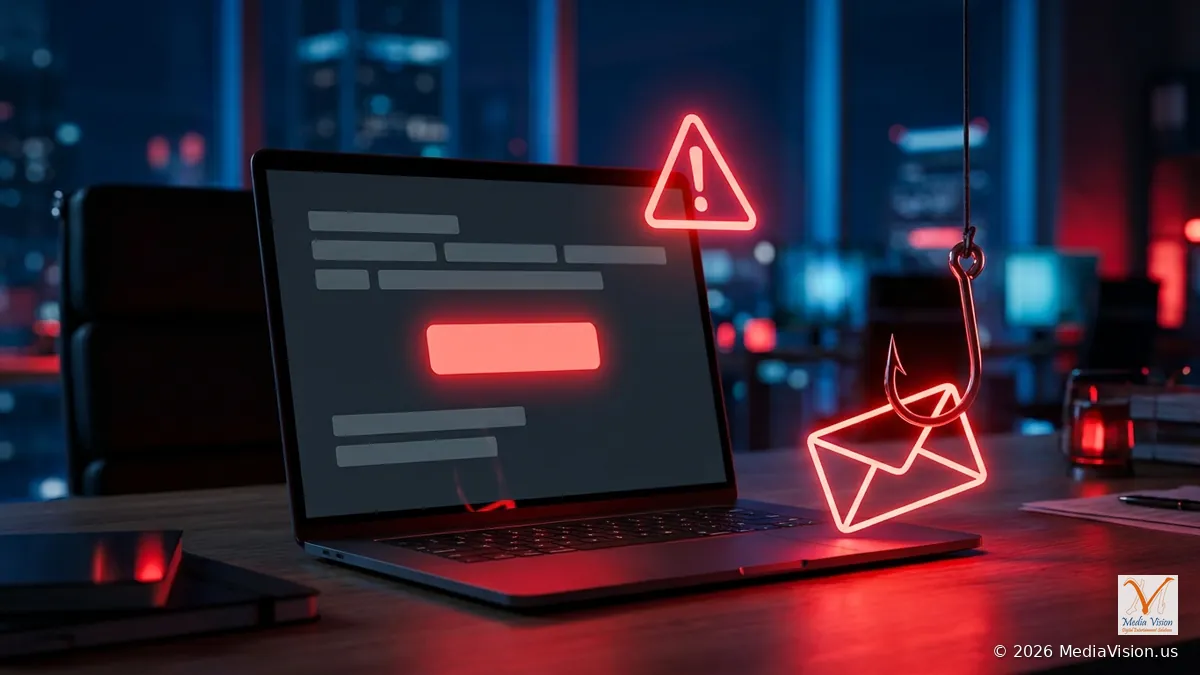
If your business uses Microsoft 365 for email, watch for a message that says your mail was "held" during the recent outage and will be deleted within 24 hours unless you click RESTORE MESSAGES. It's a phishing email. Microsoft Threat Intelligence says attackers began sending these fake outage notices on November 13, 2026, the day after a real Microsoft 365 email outage, and security firms were still writing up new versions of the lure this week.
What Happened
- The real outage: On November 12, 2026, a Microsoft 365 disruption cut access to Exchange Online mailboxes and Outlook, with possible effects on Teams, SharePoint Online and Microsoft 365 Copilot. Microsoft said it was "a technical issue not related to cyber or AI / agents," and the Exchange Online incident (EX1550543) was marked resolved on November 13 (SecurityWeek).
- The fake notices: On November 13, Microsoft observed a "coordinated, high-volume phishing campaign" targeting organizations in multiple sectors worldwide. The emails posed as Microsoft 365 service-health notices and, according to SecurityWeek, even referred to the real incident number (Microsoft Security Blog).
- The goal: Microsoft assesses the campaign was likely credential phishing, meaning a fake page built to steal your Microsoft 365 login. Microsoft says its evidence does not confirm that credentials were captured, and it found no malware or attachments in the samples.
- Newer versions: In a November 19 write-up, Sublime Security reported a second lure that uses device code phishing. Its "Reconnect Account" link goes to a real Microsoft sign-in page, which makes it look safe, but entering the code gives the attacker access to your account without needing your password.
How to Spot the Fake Email
- Subject line: "Outage –" followed by a random code, such as "Outage – aF7vG6" (Microsoft).
- Sender name: a short prefix plus "Outage Notification" or "Service Health," such as "MSF Outage Notification." The actual sending domain has nothing to do with Microsoft.
- The pressure: messages are "held" and will be deleted within 24 hours unless you act.
- The button: "RESTORE MESSAGES," "TAKE ACTION" or "Reconnect Account."
- The rule to remember: Microsoft says real Microsoft 365 service-health messages do not send you to a non-Microsoft website to recover held mail.
Cofense, which also tracked the campaign, says the fake sign-in page first claims your password is wrong and then sends you to the real Microsoft site, so many people won't realize anything happened. Cofense also says this campaign got past several email security filters, so don't assume your spam filter caught it.
What to Do If You Get One
- Don't click the button or reply.
- Check for yourself. Open Outlook or the Microsoft 365 website the way you normally do. If your business has an IT admin, they can check service status in the Microsoft 365 admin center.
- Report it. Use the Report button in Outlook, or forward it to whoever handles your company's IT, then delete it.
- Never enter a code you didn't request. If an email asks you to type a code on a Microsoft sign-in page to "reconnect" your account, stop. That is how device code phishing works.
If You Already Clicked and Signed In
- Change your Microsoft 365 password right away from a device you trust.
- Have your admin sign you out of all sessions and check your multifactor authentication (MFA) methods. Microsoft's guidance for affected accounts includes resetting the password, revoking active sessions and checking MFA registrations.
- Look in Outlook for new inbox rules or forwarding you didn't create. Attackers often use these to hide replies or copy your email.
- Warn your coworkers and regular contacts. A stolen mailbox is often used to send the next phishing email or a fake invoice.
For Business Owners and IT Admins
- Search your mail for the sender domains Microsoft listed (moments-notice[.]com, planetmaison[.]com, newbooker[.]com) and the "Outage -" subject pattern, and remove matching messages.
- Find out who clicked. For those users, Microsoft recommends checking for unusual sign-ins, OAuth app consents, forwarding rules and delegate permissions.
- Require MFA. Microsoft recommends phishing-resistant methods such as passkeys or security keys where possible.
- If you have Microsoft Defender for Office 365, review Safe Links and turn on Zero-hour auto purge (ZAP). Microsoft says Defender for Office 365 now blocks and quarantines this campaign's emails.
MediaVision Analysis
This scam works because the outage was real. People expected email problems, so a message about stuck email seemed believable. Expect the same trick after the next big outage, whether it's Microsoft, a bank or a shipping company. The safest habit is simple: never fix an account problem from a link in an email. Open the app or type the website address yourself.
How MediaVision Can Help
MediaVision helps small businesses in Anaheim and Orange County protect their Microsoft 365 email. We can:
- Check your mailbox for suspicious inbox rules, forwarding and sign-ins
- Reset compromised accounts and sign out unknown sessions
- Set up multifactor authentication, passkeys or security keys for your team
- Show your staff how to spot fake service and invoice emails
- Give you a clear, honest quote before any work starts
MediaVision Computer Repair
800 S Brookhurst St, Suite 1B3, Anaheim, CA 92804
Phone: (714) 888-5959
Book Now
Frequently Asked Questions
Was the Microsoft 365 outage a cyberattack?
No. Microsoft said the November 12 outage was a technical issue, not a cyberattack. Scammers used the news of the outage to make their emails believable.
Did Microsoft really hold or delete my emails?
No email in this campaign comes from Microsoft. Microsoft says its real service-health messages don't send you to a non-Microsoft site to recover mail.
I only use Gmail or Outlook.com at home. Should I worry?
This campaign targeted organizations using Microsoft 365, but the same "your messages will be deleted" trick is used against personal accounts too. The same rule applies: don't click, open the app yourself.
Does MFA protect me?
It helps a lot, but device code phishing can get around some MFA. Passkeys and security keys are more resistant, which is why Microsoft recommends them.