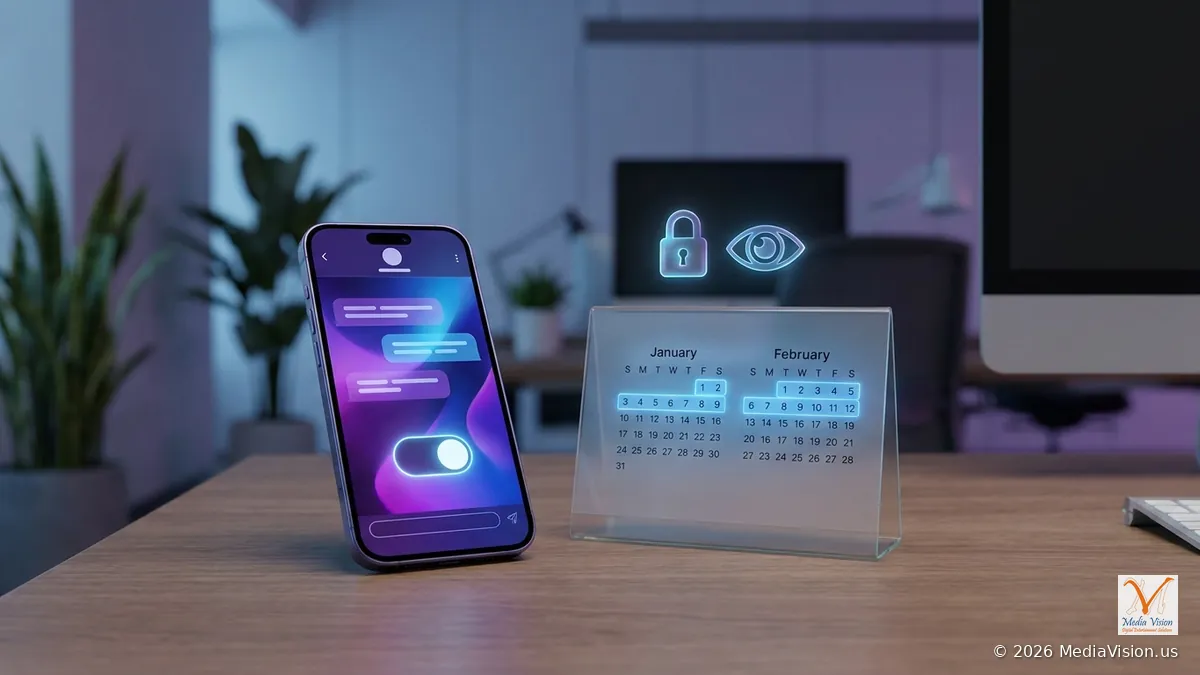

On November 23, 2026, Google announced that you can now connect more of your personal apps to Personal Intelligence in AI Mode in Google Search. Google Wallet connections started rolling out that day, with Google Drive and the Gemini app "following in the coming weeks," according to Google. These join Gmail, Calendar and Photos, which could already be connected. It is opt-in, so nothing changes unless you turn it on. Here is what it does, what it can see, and how to control it.
What Google Announced
- Google Wallet: Google says AI Mode can use your linked cards and accounts to help map out financial goals, trim everyday spending and get more from credit card rewards. Google states that if you connect Wallet, AI Mode "can only read information from your accounts; it can't move, manage, or invest your money."
- Google Drive: AI Mode can take your Docs, Sheets and PDFs into account. Google's own example is a personalized preparation plan ahead of tax season.
- Gemini app: Context can be shared between the Gemini app and AI Mode, so an idea you explored in one can carry over to the other. 9to5Google reports this includes your Gemini chats and what you have shared with Gemini Apps, such as photos, files and screens you asked about.
- More personal answers in general: Google says AI Overviews and AI Mode will start showing responses tailored to your recent search context, so you can pick up where you left off.
- Transparency: Google says a "Personalization" icon is coming soon below tailored responses, so you can see which context AI Mode used.
Why It Matters for Your Privacy
Connecting Wallet and Drive means an AI tool can read your spending and your documents, which often include tax forms, contracts, invoices and ID scans. That can be genuinely useful, but it is a choice you should make on purpose, not by tapping "Continue" on a pop-up. TechCrunch put it simply: "not everyone wants AI looking at their Wallet and Drive." This matters even more if you use a personal Google account for business files or client documents.
How to Turn It On or Off
Google says you choose if and when to connect, and you can turn each connection on or off at any time:
- Open Search Personalization in your Google Search settings.
- Select Connected Apps.
- Choose the apps you want to connect, or switch off any you don't.
The tailoring based on your recent searches is a separate setting. Google says you can adjust or turn off personalization at any time in your Search Settings. If you want AI Mode to stop using something it learned about you, Google says you can simply tell it in the chat, for example "I'm no longer a vegetarian."
The Wallet option is rolling out gradually, and Drive and the Gemini app are coming in the coming weeks, so you may not see every option on your account yet.
Our Practical Advice
- Decide per app. You can connect Calendar but leave Wallet and Drive off. You do not have to connect everything.
- Keep business data separate. If client files, payroll or tax documents live in your personal Google Drive, leave Drive disconnected or move business files to a properly managed business account first.
- Protect the Google account itself. The more apps an account connects, the more an attacker gets if it is stolen. Turn on a passkey or 2-Step Verification and review your recovery phone and email.
- Check shared devices. On a family or shop computer, make sure you are not signed in to a Google account whose AI Mode is connected to your Wallet or Drive.
- Review it later. Once the "Personalization" icon appears, use it to see what context an answer used.
How MediaVision Can Help
- Review your Google, Microsoft and AI app privacy settings with you
- Set up passkeys and 2-Step Verification on your important accounts
- Separate personal and business accounts and files safely
- Give you a clear, honest quote before any work starts
MediaVision Computer Repair
800 S Brookhurst St, Suite 1B3, Anaheim, CA 92804
Phone: (714) 888-5959
Book Now
Frequently Asked Questions
Is this turned on automatically?
Connecting Wallet, Drive or the Gemini app is opt-in, according to Google. Separately, Google says AI Overviews and AI Mode will start using your recent search context, which you can adjust or turn off in Search Settings.
Can AI Mode spend or move my money?
Google says no: with Wallet connected, AI Mode can only read information from your accounts and cannot move, manage or invest your money.
Can I disconnect later?
Yes. Google says you can turn each connection on or off at any time from Search Personalization > Connected Apps.