
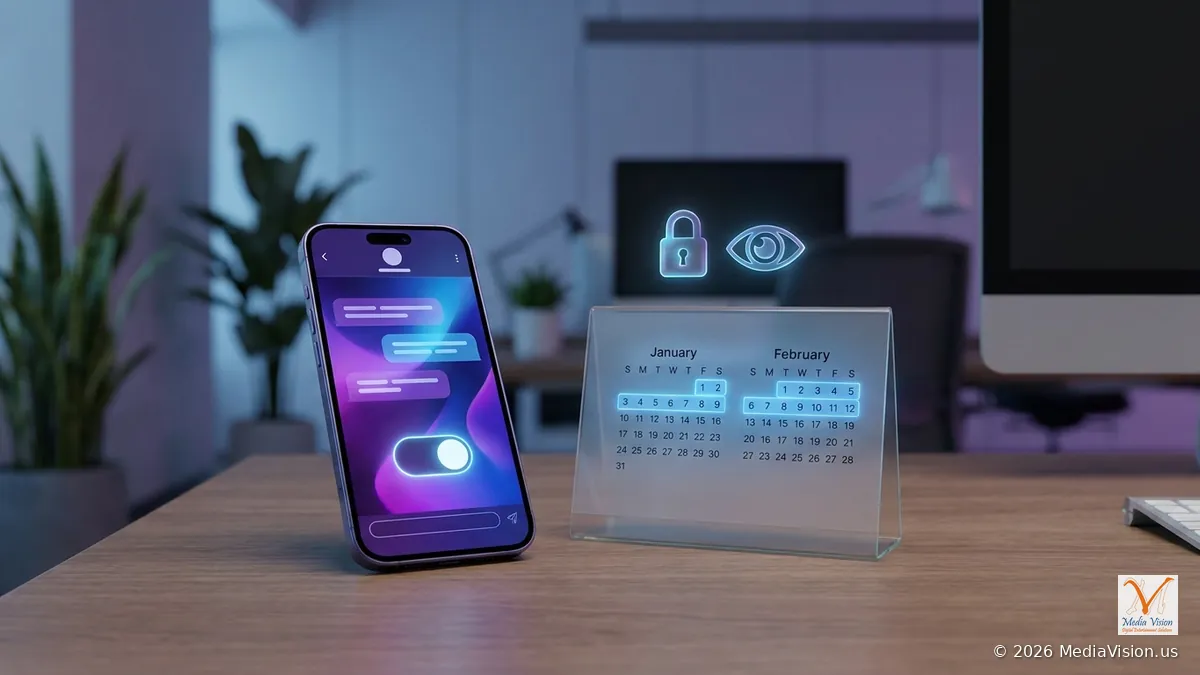
Google announced on November 16, 2026 that it is changing the privacy controls in the Gemini app. The good news: you can now keep your chat history while opting out of AI model training. The catch: if you turn History off, Google will keep your future chats for around two months, up from the previous 72 hours. The changes are rolling out globally over the coming weeks. Here is what changed and what to check, especially if you or your staff use Gemini for business.
What Changed
- Two separate switches. Until now, one "Keep Activity" setting controlled both how long chats are saved and whether they are used to train Google's generative AI models (9to5Google). It is being replaced by a History setting and a separate Chat content setting that controls whether your chat content, including text & attachments, is used to train generative AI models (Google's Gemini Apps Privacy Hub, CyberInsider).
- Longer retention with History off. Google says that if you turn the new History setting off, future chats will be saved for around two months. They are used to respond to you, process your feedback, and protect Google, its users and the public (Google).
- Temporary chats too. TechCrunch reports the roughly two-month retention also applies to temporary chats, up from 72 hours.
- Not for training, says Google. A Google spokesperson told TechCrunch the data kept for about two months will be used strictly for safety and security and will not be used for generative AI training or other product improvement.
How Your Settings Carry Over
According to Google's email to users (reported by CyberInsider) and TechCrunch:
- If Keep Activity was on, History and chat training both start on. You need to turn training off yourself if you don't want it.
- If Keep Activity was off, both new settings start off.
Ars Technica notes that opting out only applies to future chats. Data already used for training is not removed.
What to Do Now
- Wait for the update to reach your account. Google is notifying users by email, and it may take a few weeks to appear.
- Open the Gemini settings. CyberInsider says to go to Settings and help > History in Gemini. Ars Technica says you can also get there from your Google Account under Data and privacy > My Activity > Other activity > Gemini Apps Activity. Menu names may vary during the rollout.
- To keep history but stop training, leave History on and switch off the Chat content setting (Google describes it as your chat content, including text & attachments). Google's help pages say this setting is managed in Gemini History. Google also lists a separate setting for audio and Gemini Live videos & screenshares.
- Check auto-delete. CyberInsider reports saved history auto-deletes after 18 months by default, and you can change it to 3 or 36 months, turn auto-delete off, or delete chats manually.
- Be careful with feedback. CyberInsider reports that for regular chats, sending feedback can let Google use that chat content for training even when the training control is off, and that human-reviewed chats may be kept for up to three years.
What This Means for Businesses
Turning History off no longer means your chats are gone in a few days. If employees paste client names, contracts, medical or financial details into any AI chatbot, assume that text may be stored for weeks or longer. Set a simple company rule: no confidential client data in public AI tools, and use business accounts with admin controls or a private, locally run AI system for sensitive work.
How MediaVision Can Help
MediaVision helps Anaheim homes and businesses use AI safely. We can:
- Review the privacy settings on your Google, Microsoft and AI accounts
- Write a simple AI-use policy for your staff
- Set up a secured AI system that runs locally, so private business data stays in-house
- Give you a clear, honest quote before any work starts
MediaVision Computer Repair
800 S Brookhurst St, Suite 1B3, Anaheim, CA 92804
Phone: (714) 888-5959
Book Now
Frequently Asked Questions
Can I keep my Gemini history without it training Google's AI?
Yes. Once the update reaches your account, you can leave History on and turn off the Chat content setting.
If I turn History off, are my chats deleted right away?
No. Google says future chats with History off are saved for around two months, up from 72 hours.
When will I see the new settings?
Google says the changes are rolling out globally in the Gemini app over the coming weeks.
Does opting out remove data already used for training?
No. Ars Technica reports the change only applies to future interactions.