If the November 2026 Windows 11 security update keeps failing, restarting over and over, or showing error 0x80070306, 0x800f0989 or 0x800f0993, you are not alone, and Microsoft has now confirmed the problem. The good news is that a repair is already rolling out automatically.
Update (November 20, 2026): Microsoft has now marked this known issue as resolved on its KB5132061 page (change log dated November 16, 2026). The automatic repair has finished rolling out, so if your PC still cannot install the November update, follow the steps below and contact Microsoft Support or a technician.
What Microsoft Has Confirmed
- The update is KB5132061, released on November 10, 2026 (Patch Tuesday) for Windows 11 versions 26H2 and 25H2, and for Enterprise and Education editions of 24H2 (OS builds 26100.9974, 26200.9974 and 26300.9974).
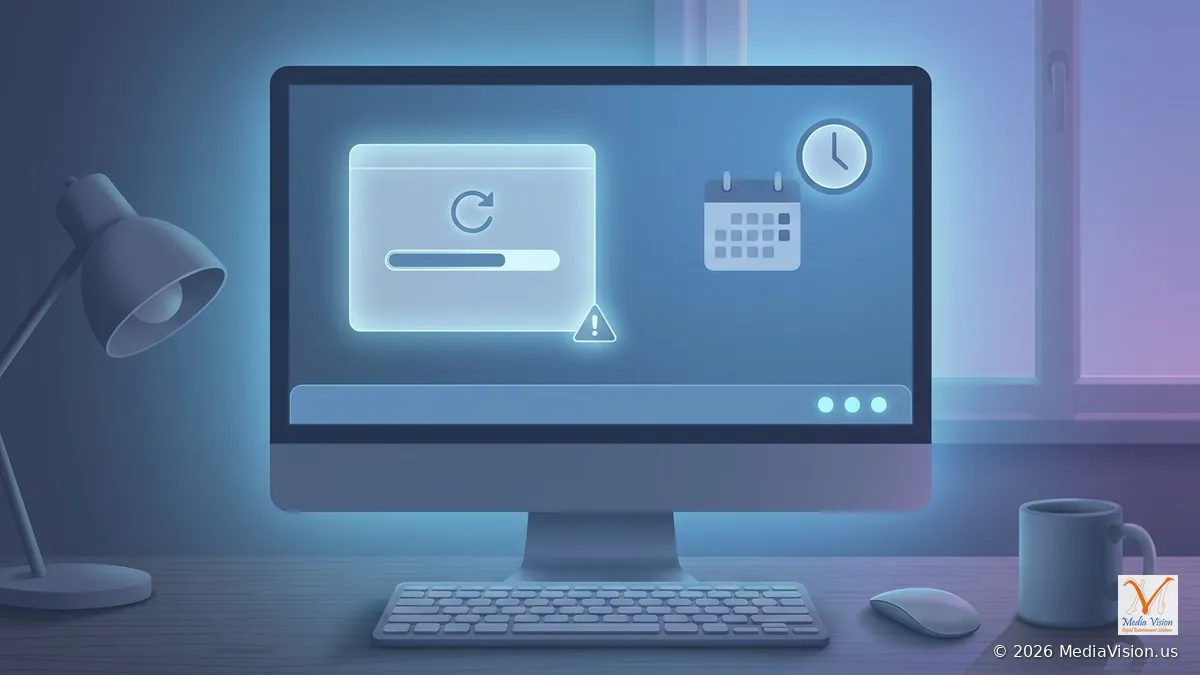
- Microsoft's known-issue note says that when installing the November 2026 security update, some devices might be unable to complete the installation. Affected devices might repeatedly attempt to install the update or show error code 0x80070306, 0x800f0989 or 0x800f0993.
- Per Microsoft's statement quoted by BleepingComputer, the issue affects a limited number of devices that installed the October 2026 non-security preview update (KB5127936). Devices that did not install that preview update are not affected.
- A repair is running automatically on affected devices that are connected to the internet and use Windows Update in Settings. Microsoft says all affected devices should be repaired within 24 to 48 hours starting November 11, 2026 at 10 AM PT. After the repair arrives, Windows Update installs the November security update automatically.
- No manual action is needed from end users to receive the repair. If you still cannot install after 48 hours, Microsoft says to use Windows help and learning or contact Microsoft Support.
Note: in Microsoft's own support page text, the KB number named in the known-issue paragraph differs from the one BleepingComputer quotes. We follow the wording from Microsoft's service update as quoted by BleepingComputer for the cause (the October preview update, KB5127936), and Microsoft's page for the symptoms and error codes. Check Microsoft's page for any later correction.
What You Should Do
- Don't panic and don't keep hammering Retry. The fix is being delivered by Windows Update itself. Make sure the PC is on and connected to the internet.
- Check Windows Update. Go to Settings > Windows Update and click Check for updates. Tech outlet heise reports that administrators may be able to speed things up this way.
- Check what you have. Press Windows key + R, type
winverand press Enter to see your version and build. A successful install of the November update shows a build ending in .9974 on the supported versions. - Back up first. A stuck update that restarts repeatedly is not a reason to reset Windows. Copy your important files to an external drive or cloud storage before trying anything bigger.
- The 48-hour repair window is over. Microsoft's window ended on Friday, November 13. If the update still fails now, try again from Windows Update, then contact Microsoft Support or a technician.
- Avoid random "fix" downloads. Use only official tools from Microsoft. Fake update fixers are a common malware trick.
Microsoft's KB5132061 page also links to instructions for installing the update manually. Those steps are aimed at IT staff, so if you are not comfortable with them, ask a professional.
One Unconfirmed Report
Windows Latest reported that the update reached 99 percent and then failed in its tests, and said it understands the failures could be tied to Windows Sandbox, so turning that optional feature off might let the update install. Microsoft has not confirmed this, so treat it as an unverified tip, and do it only if you know what Windows Sandbox is and are comfortable changing Windows features.
What Else Is in the Update
According to Microsoft's release notes, KB5132061 includes security improvements, additional data that increases the number of devices eligible to automatically receive the new Secure Boot certificates, and fixes for USB Audio 1.0 devices failing with error code 10 and for an error 87 when adding a printer published in Active Directory. It also enables NTLM message signing by default for non-anonymous connections. Microsoft also notes that there will be no December 2026 non-security preview update; normal monthly servicing resumes in January 2027.
The repair exists so affected PCs still receive these November security fixes.
How MediaVision Can Help
If your Windows 11 PC is stuck in an update loop, shows 0x80070306, 0x800f0989 or 0x800f0993, or won't start after an update, bring it to the MediaVision workshop in Anaheim. We can:
- Back up your files before touching the system
- Repair Windows Update and system files, or roll back a bad update
- Check the drive and memory for hardware faults that cause update failures
- Get the PC fully patched safely
MediaVision Computer Repair
800 S Brookhurst St, Suite 1B3, Anaheim, CA 92804
Phone: (714) 888-5959
Book Now
Frequently Asked Questions
Is my PC damaged?
Microsoft describes this as an installation problem on a limited number of devices, not damage to the PC. The update should install once the repair reaches your device.
Do I need to uninstall the October preview update?
Microsoft has not said to. It says the repair is automatic and no manual action is needed.
Is it safe to skip this update?
It is better not to. The November update contains security fixes. Let the repair run, then install it.
I use Windows 10. Am I affected?
This known issue is listed for Windows 11 versions 24H2, 25H2 and 26H2.