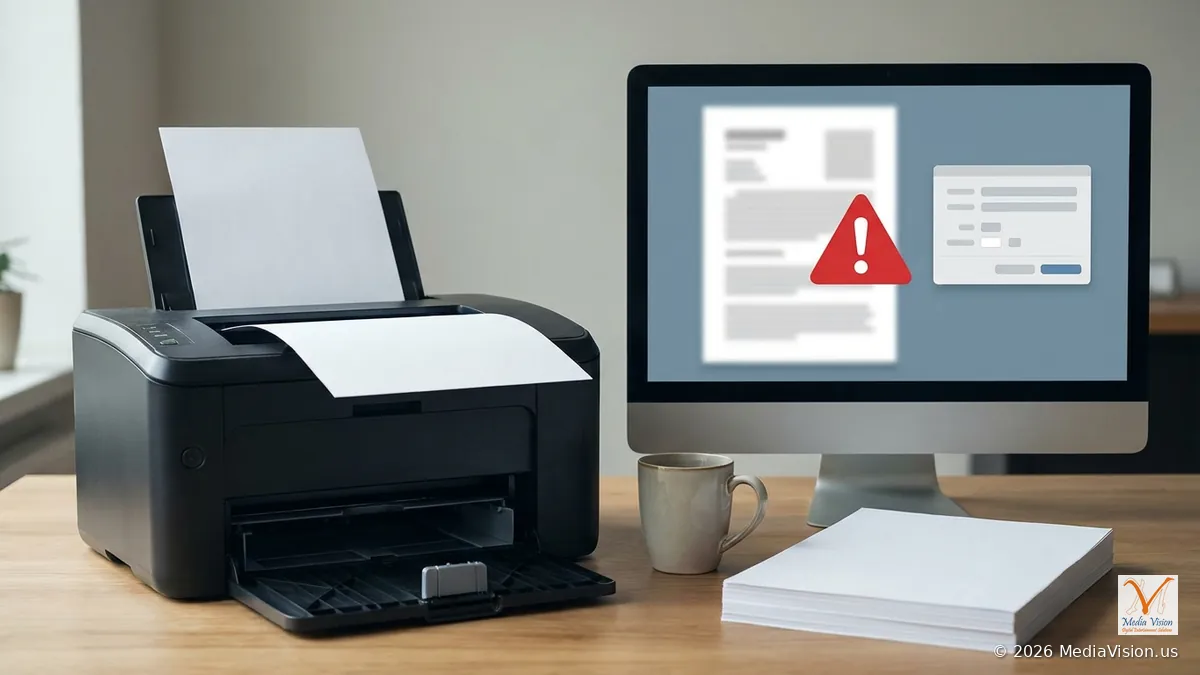
Microsoft has confirmed that some Windows 11 business PCs that received this month's hotpatch update, KB5132043, may show errors when installing, opening or running some apps. The error looks like ERROR_ALLOTTED_SPACE_EXCEEDED (0xC0000099). Microsoft has shared a temporary registry workaround while it works on a fix.
Who Is Affected
- Windows 11 version 24H2 and later devices that installed the November 2026 hotpatch update KB5132043 (BleepingComputer, citing a Microsoft service alert, Nov 19).
- Hotpatch updates come through Windows Autopatch / Intune for managed business devices. Microsoft says the issue should not affect PCs that installed the standard November Patch Tuesday update instead. Most home PCs do not use hotpatch.
- Microsoft says it happens with apps that load the 32-bit Windows Installer file msi.dll. It shows up more often with 32-bit apps, but 64-bit apps can be hit too. Office and third-party apps have been mentioned.
- Citrix says its Workspace app is one of the apps affected and that the problem is not specific to Citrix (Citrix article CTX697375).
What You Might See
- An app won't install or uninstall
- An app won't open, or fails while you're using it
- An error that mentions 0xC0000099 or ERROR_ALLOTTED_SPACE_EXCEEDED
The Cause
According to Citrix, which is working with Microsoft on this, the problem appears on systems where a Windows memory setting called HotPatchTableSize is still set to 0x1000. The expected value is 0x2000 (8192 in decimal). Citrix says the June 2026 Windows update raised the default to 0x2000, so PCs still at 0x1000 may have had it reset by Group Policy, Intune/MDM, security baselines, hardening scripts or an older system image.
Microsoft's Temporary Workaround (for IT Admins)
Back up the registry first. Microsoft says: "Before you modify the registry, back it up and make sure that you know how to restore it if a problem occurs." If you're not comfortable with the registry, have IT do this.
- Open Start, type regedit and open Registry Editor.
- Go to
HKLM\SYSTEM\CurrentControlSet\Control\Session Manager\Memory Management - Open HotPatchTableSize and set the value to 2000 in Hexadecimal (that equals 8192 decimal). Click OK.
- Close Registry Editor and restart the PC.
For managed fleets: find out what set the value back to 0x1000 (a policy, baseline or script) and update it. Otherwise it may be reset again.
What Small Businesses Should Do Now
- If staff report apps that won't open or install, check whether those PCs got hotpatch KB5132043.
- Apply the workaround only on affected PCs, and only after a registry backup.
- Watch Microsoft's release health page and admin center for the permanent fix.
- Don't uninstall security updates as a "fix." The update also includes security fixes.
How MediaVision Can Help
- Check which of your office PCs are affected
- Apply and verify the workaround safely, with a backup first
- Review Intune, Group Policy and update settings so the problem doesn't return
- Give you a clear, honest quote before any work starts
MediaVision Computer Repair
800 S Brookhurst St, Suite 1B3, Anaheim, CA 92804
Phone: (714) 888-5959
Book Now
Frequently Asked Questions
Is my home PC affected?
Probably not. Microsoft says the issue is tied to hotpatch updates, which are used on managed business devices. PCs that installed the normal November Patch Tuesday update should not be affected.
Is this a virus?
No. It is a confirmed Windows update issue, not malware.
Is there a permanent fix?
Not yet, as of November 23, 2026. Microsoft has shared the registry workaround until a fix is available.