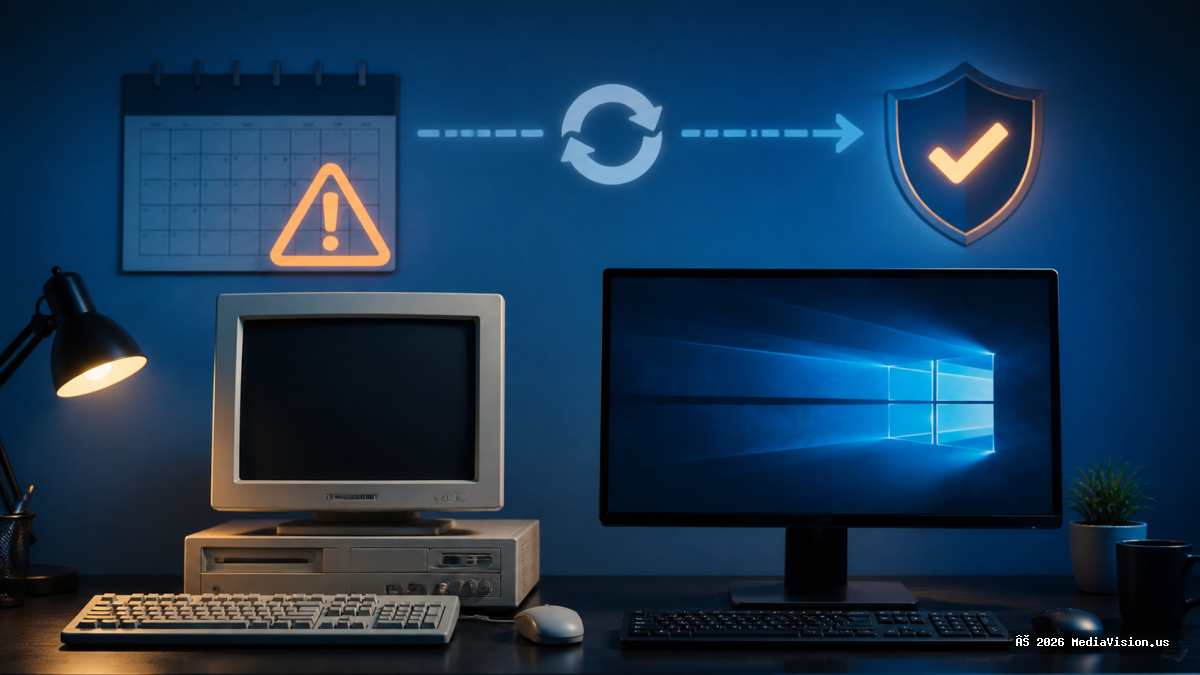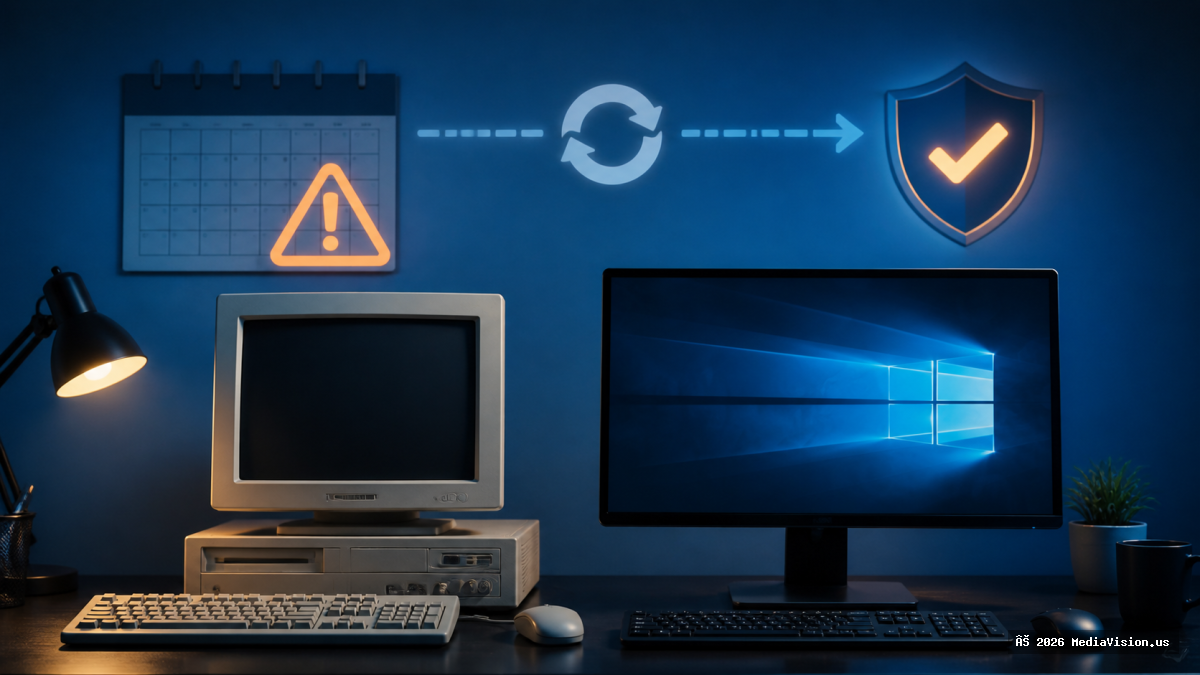
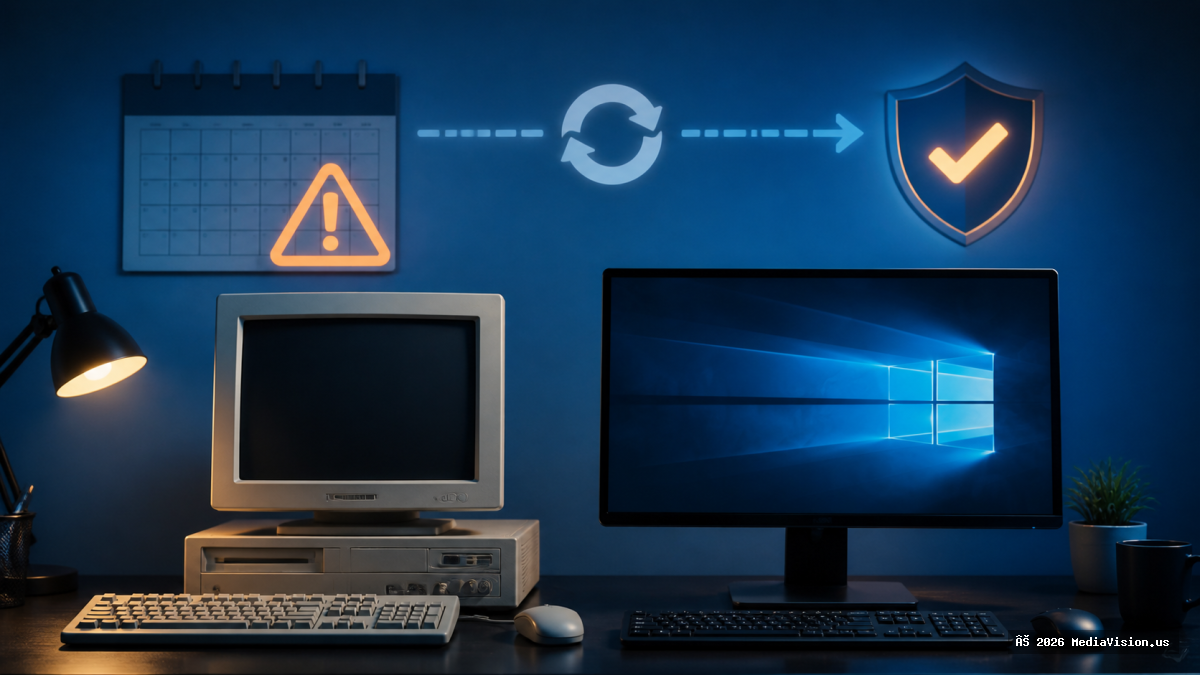
After installing the August 2026 Windows update, a number of users are seeing a notification claiming "Virus protection is turned off." This has been reported as a user interface bug. Microsoft Defender is still active and protecting the system in the background.
Why This Is Worth Saying Loudly
A warning that your antivirus is disabled is exactly the message fake "your PC is infected" scams imitate. When a genuine-looking version appears right after an update, people panic and go looking for a fix — and that search is where they find a scareware download or a fake support number. The bug is harmless. The panic response is not.
How to Confirm Defender Is Actually Running
- Open Windows Security from the Start menu.
- Go to Virus & threat protection.
- Check that Real-time protection is On.
- Run a quick scan. If it runs and completes, protection is working.
For a definitive answer, open PowerShell and run Get-MpComputerStatus. Look at RealTimeProtectionEnabled — if it says True, you are protected regardless of what the notification claims.
How to Clear the False Warning
- Restart the machine — this resolves it for most people.
- Confirm no leftover third-party antivirus is installed. Two AV products fighting each other is a genuine cause of this message, separate from the bug.
- Apply any newer cumulative update once available.
MediaVision Technical Analysis
The rule that protects you here is simple and worth adopting permanently: a real security warning never gives you a phone number to call. Microsoft does not put support numbers in alerts. Anything that does is a scam, full stop.
If you are not certain what you are looking at, bring it in and we will tell you in a few minutes at no charge.