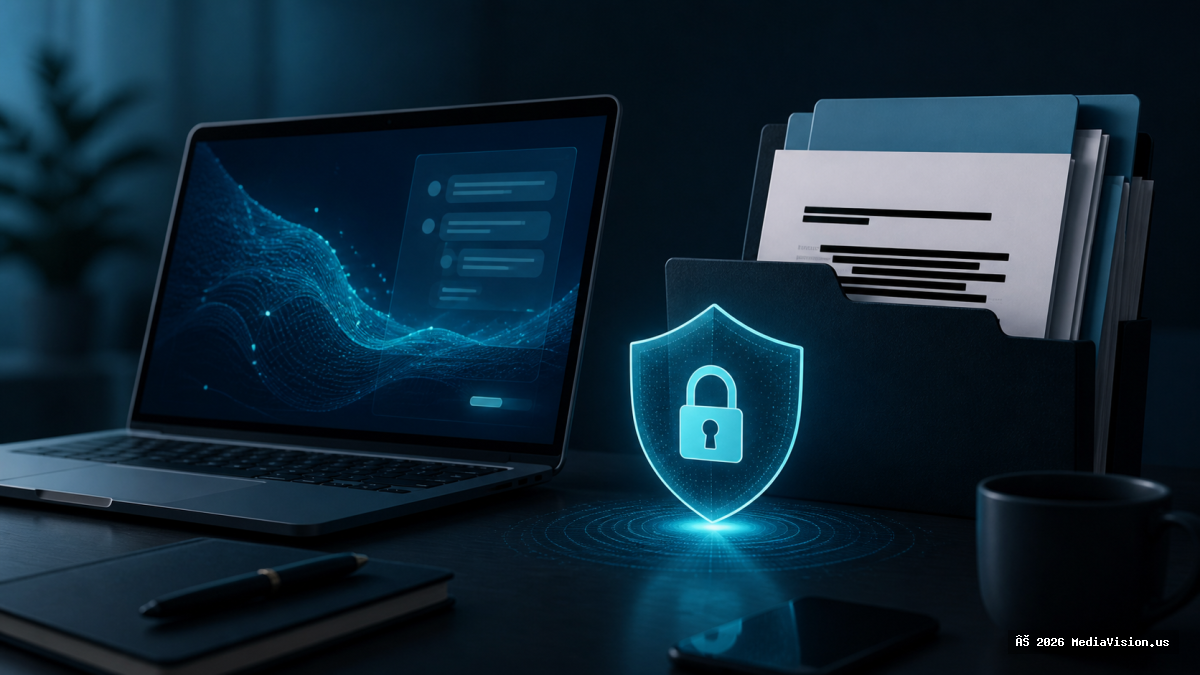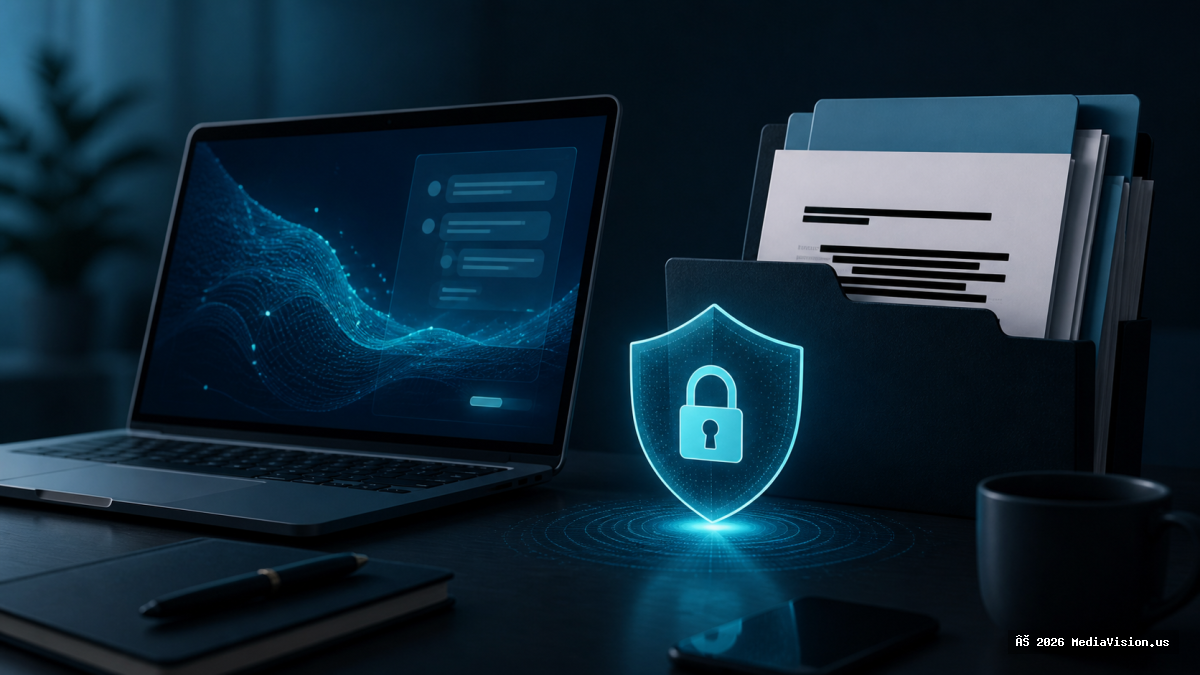
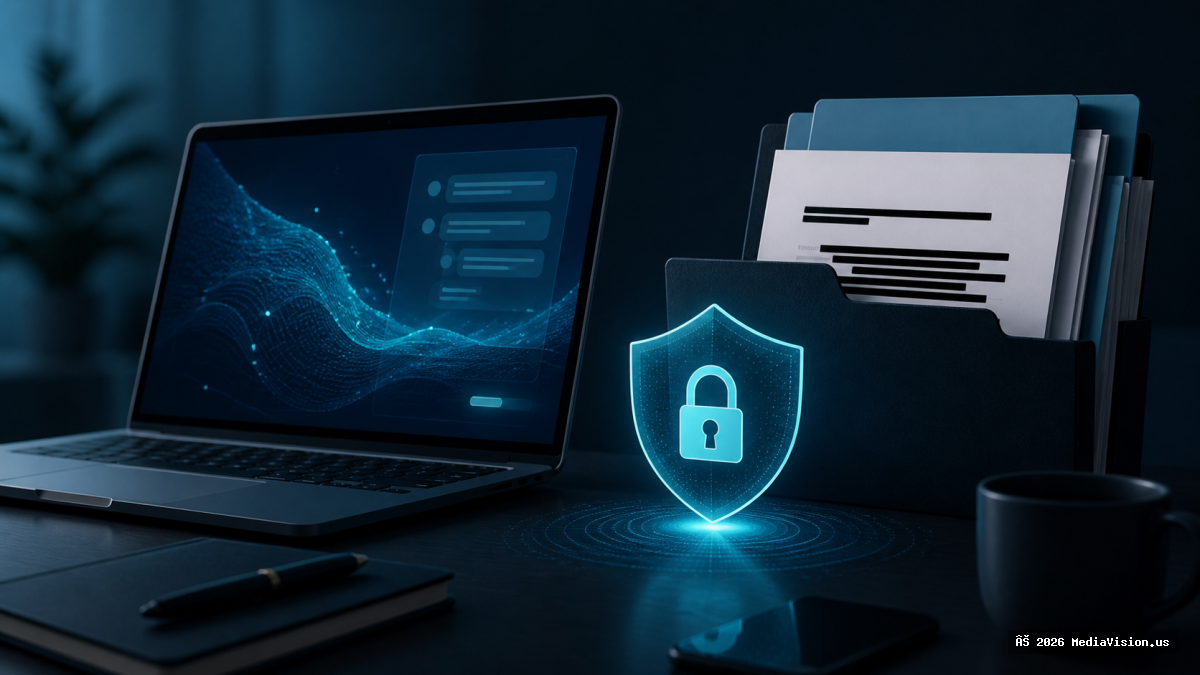
If you are a lawyer, accountant, clinic or contractor, there is a question worth asking before pasting anything into a cloud AI tool: where does that text go, how long is it kept, and who can read it? For regulated or contractual data, the safest answer is that it never leaves your building.
What Local AI Can Realistically Do
- Summarise documents and long email threads
- Draft letters and quotes from your own templates
- Search and answer questions across your own files
- Transcribe meetings
What it does less well than frontier cloud models: complex reasoning, current events, and very long documents. Set expectations accordingly.
A Practical Setup
- Hardware. 32GB RAM minimum. A recent GPU with 12GB+ VRAM makes a dramatic difference; an NPU helps for small always-on tasks at low power.
- Runtime. Ollama or LM Studio are the two easiest starting points and both run entirely offline.
- Models. Open-weight options in the 7B–8B class run comfortably on that hardware.
- Verify it is actually offline. Disconnect the network and confirm it still answers. This is the step most people skip.
Local Does Not Automatically Mean Private
Running the model locally removes the transmission risk, but privacy still depends on where files are stored, what syncs to cloud backup, who has access to the machine, and what the surrounding application does with logs. A local model on a laptop that syncs its whole documents folder to a consumer cloud account has not solved the problem.
MediaVision Technical Analysis
We build and configure local AI workstations, including for customers who need the machine air-gapped from the internet entirely. If you are weighing this for a small practice, the honest advice is to start by identifying which specific documents cannot leave your office — that scope decides the hardware, not the other way round.