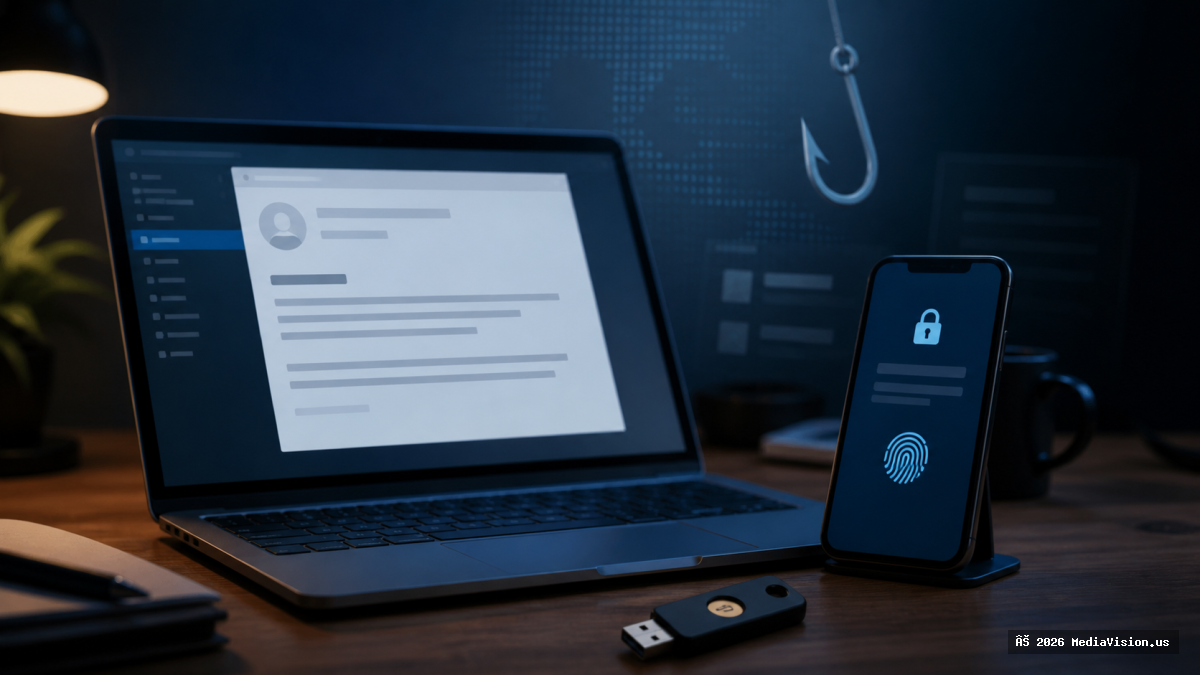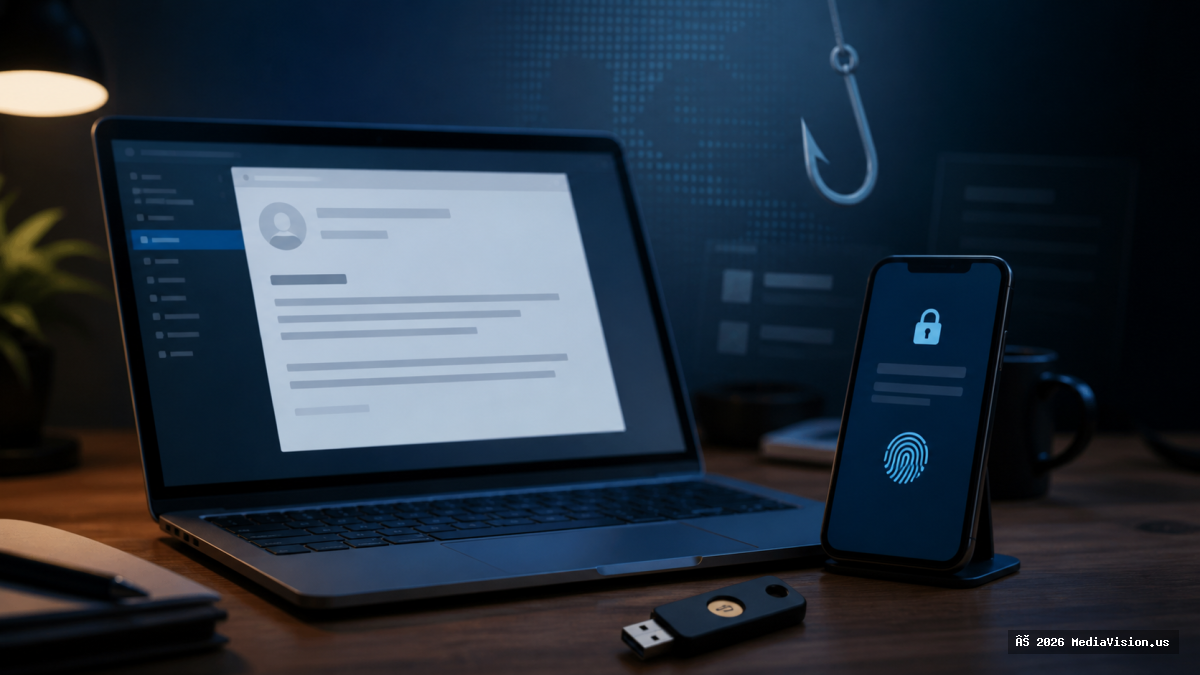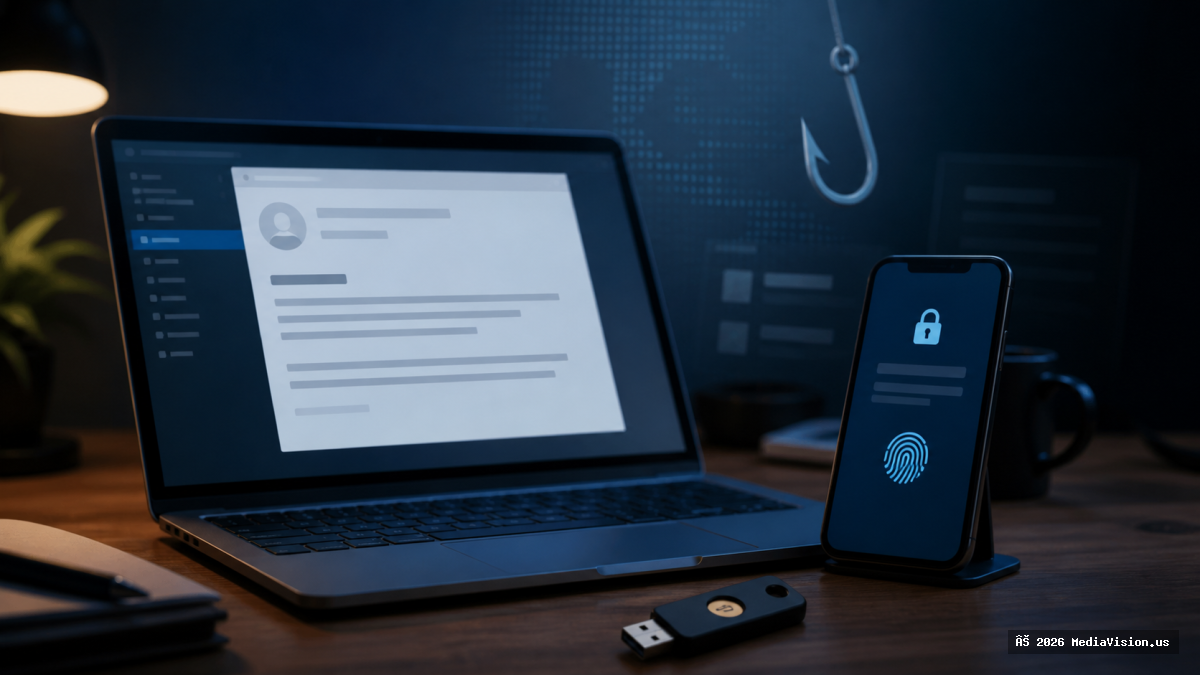
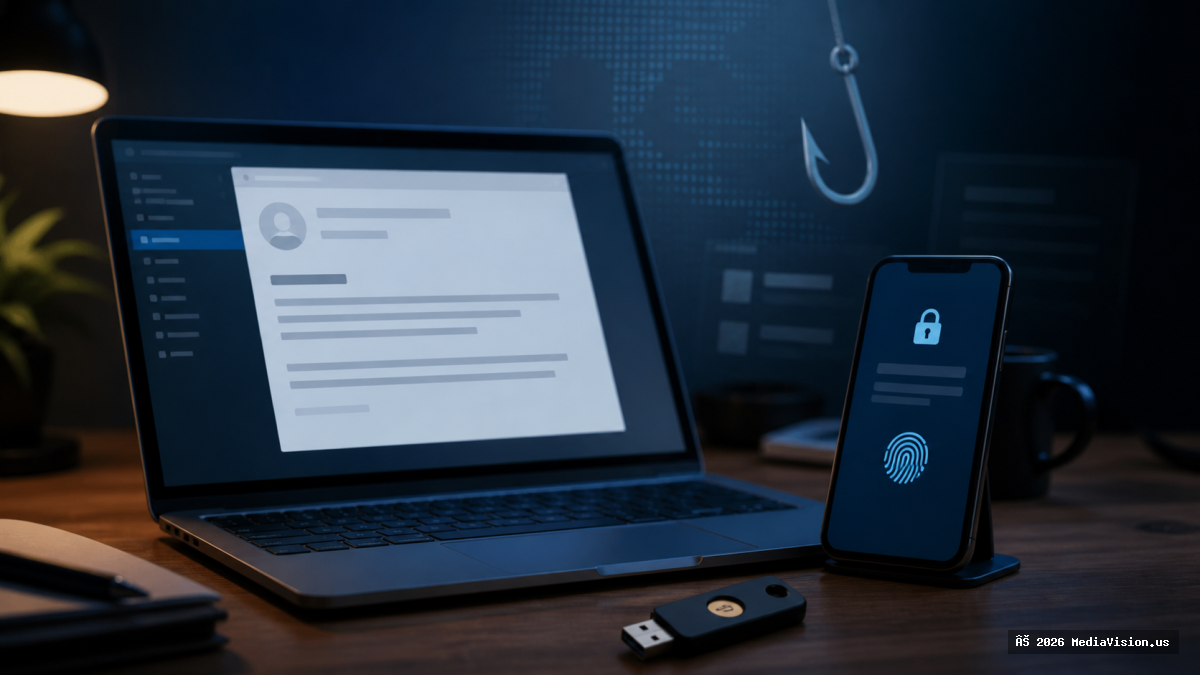
Modern phishing attacks do more than steal passwords. Fake sign-in pages can also capture one-time codes, and attackers may repeatedly send approval prompts hoping a user accepts one by mistake.
What Clients Should Watch For
- Unexpected sign-in links or document-sharing notices.
- Login pages opened from email that use a look-alike domain.
- Repeated MFA prompts you did not initiate.
- Requests to read a security code over the phone or send it by text.
Why Traditional MFA Is Not Always Enough
Any MFA is better than password-only access, but SMS and manually entered codes can still be stolen through phishing or social engineering. CISA recommends phishing-resistant MFA for important services, particularly email, VPN access, and accounts controlling critical systems.
What to Do Now
- Use passkeys or hardware security keys where supported.
- Open important services from a saved bookmark instead of an email link.
- Deny unexpected approval prompts and change the password from a trusted device.
- Review active sessions, recovery methods, and forwarding rules after a suspicious login.
- Businesses should protect administrators first and require separate accounts for privileged work.
MediaVision Analysis
Email is often the recovery channel for other accounts, so a compromised mailbox can become a master key. Strong authentication must be combined with updated devices, verified recovery information, and a process for reporting suspicious prompts quickly.
Bottom Line
Never approve a login you did not start. Use phishing-resistant authentication whenever possible and contact support immediately if an unfamiliar sign-in succeeds.