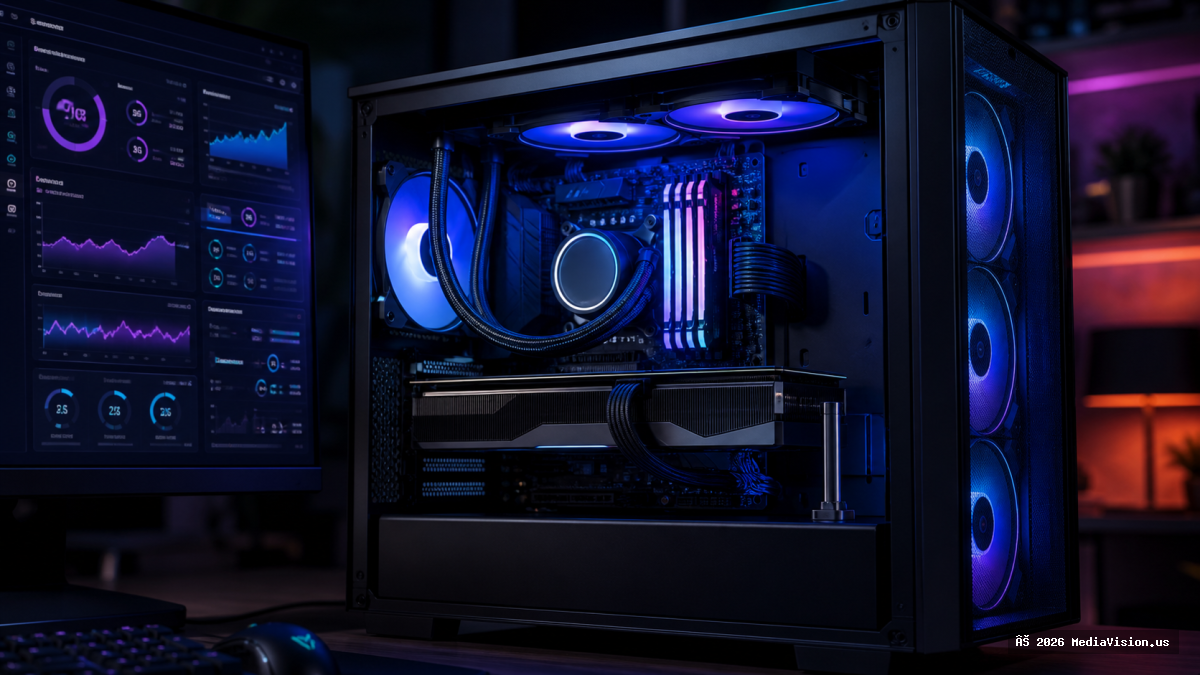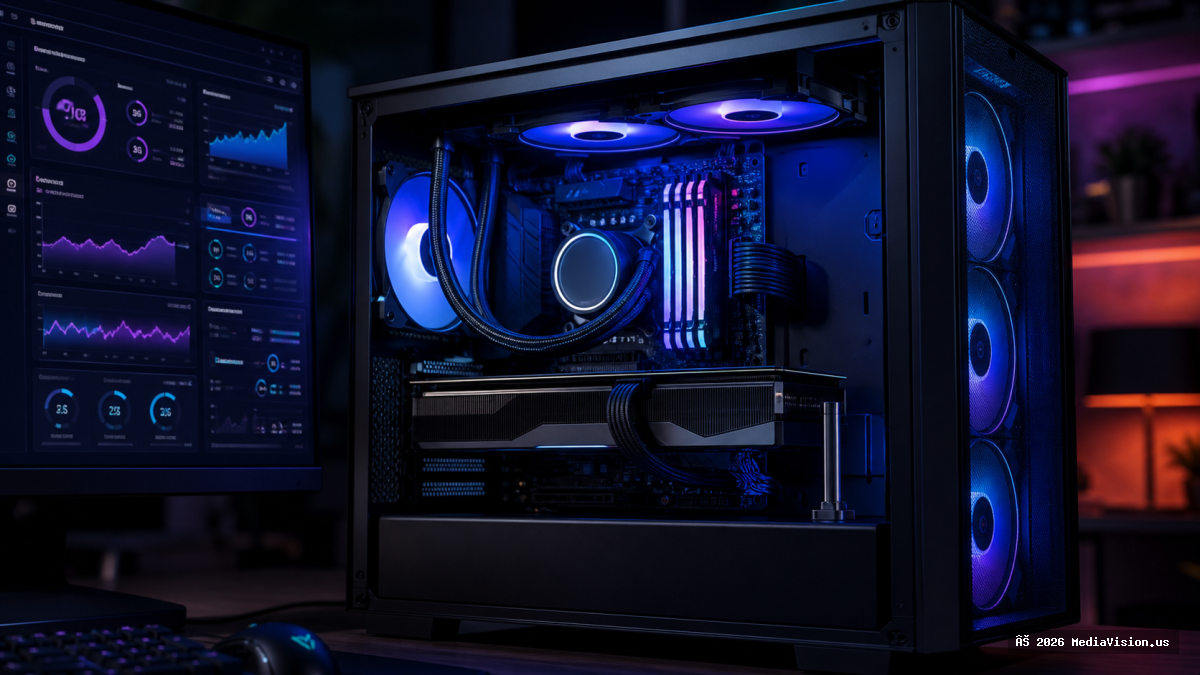
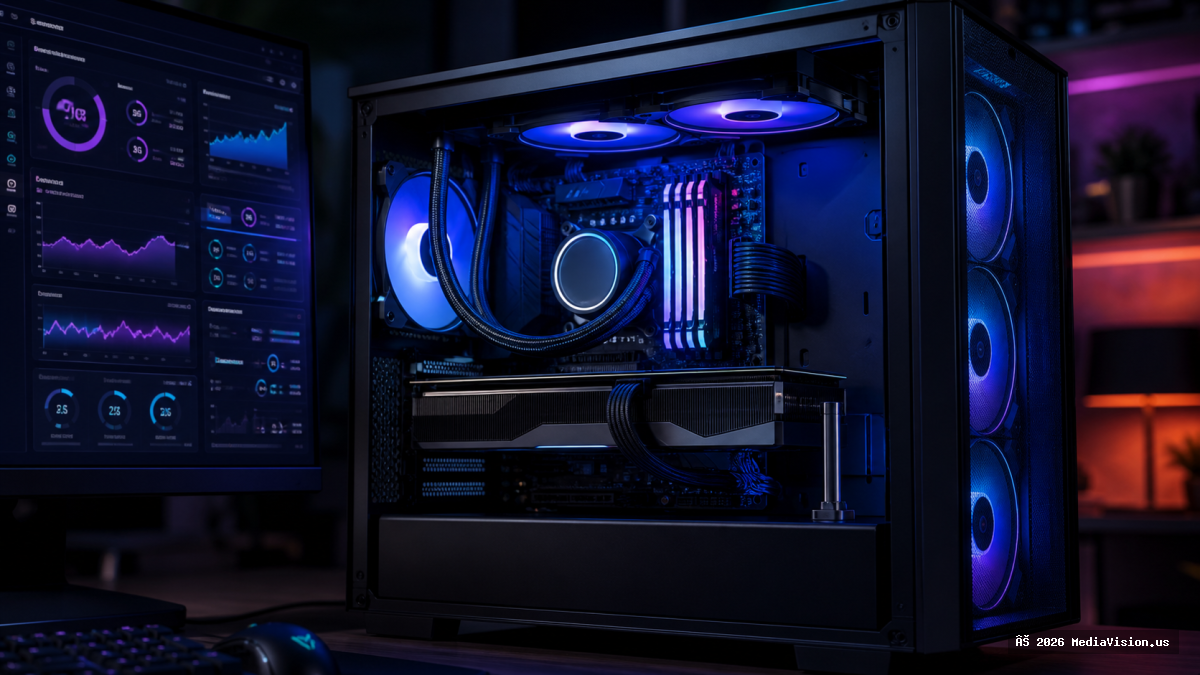
Current-generation graphics cards are large and heavy. Held at one end by the PCIe slot and at the other by a thin bracket, they bend. Most people treat this as cosmetic. It usually is not.
Why Sag Actually Matters
- Airflow. Large RTX 50 and RX 9000 cards already sit close to the bottom shroud. Sag closes that gap further and starves the fans of intake air. This is the real performance cost.
- Connector seating. Downward force on the card puts leverage on the power connector. Given the history of high-power connectors running hot when not fully seated, this is worth taking seriously.
- Slot stress. Long-term mechanical load on the PCIe slot and the board around it.
How to Check
- Open the side panel and sight along the card from the front of the case.
- Compare the bracket end against the far end — any visible droop is worth addressing.
- Confirm the bottom intake fan has clear space beneath the card.
- Check that the power connector is fully seated and the cable is not bent sharply right at the plug.
Fixes
- Support bracket. Inexpensive and effective. Adjustable ones handle any card.
- Vertical mounting. Removes the problem entirely, but check clearance — mounted too close to a tempered glass panel, the card suffocates and you trade one thermal problem for a worse one.
- Anti-sag support built into the case, which many current cases include.
MediaVision Technical Analysis
Fit a support bracket. They cost very little, take five minutes, and remove a slow-acting mechanical stress on the most expensive component in the machine. There is no real argument against it.
If you are building or upgrading, measure your case clearance before buying the card. We build custom gaming systems in Anaheim and check card length, cooler height and airflow clearance as part of the build.